


 Aga24.eu

/cart.svg)
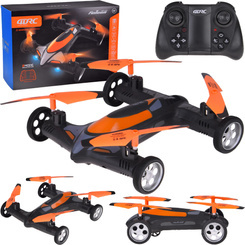
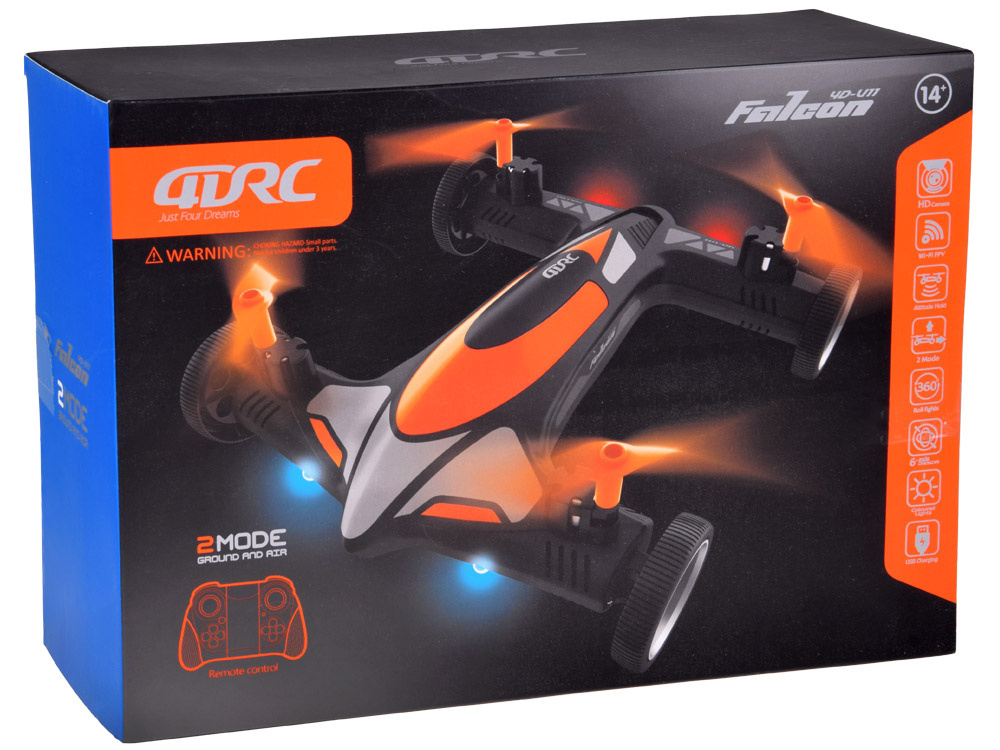
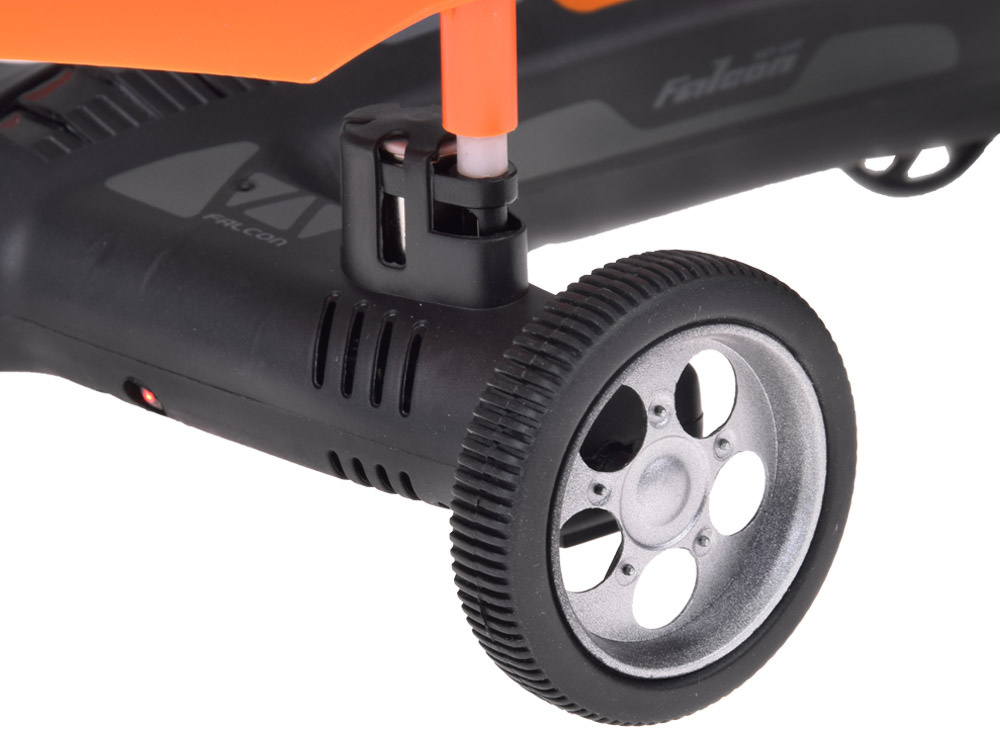
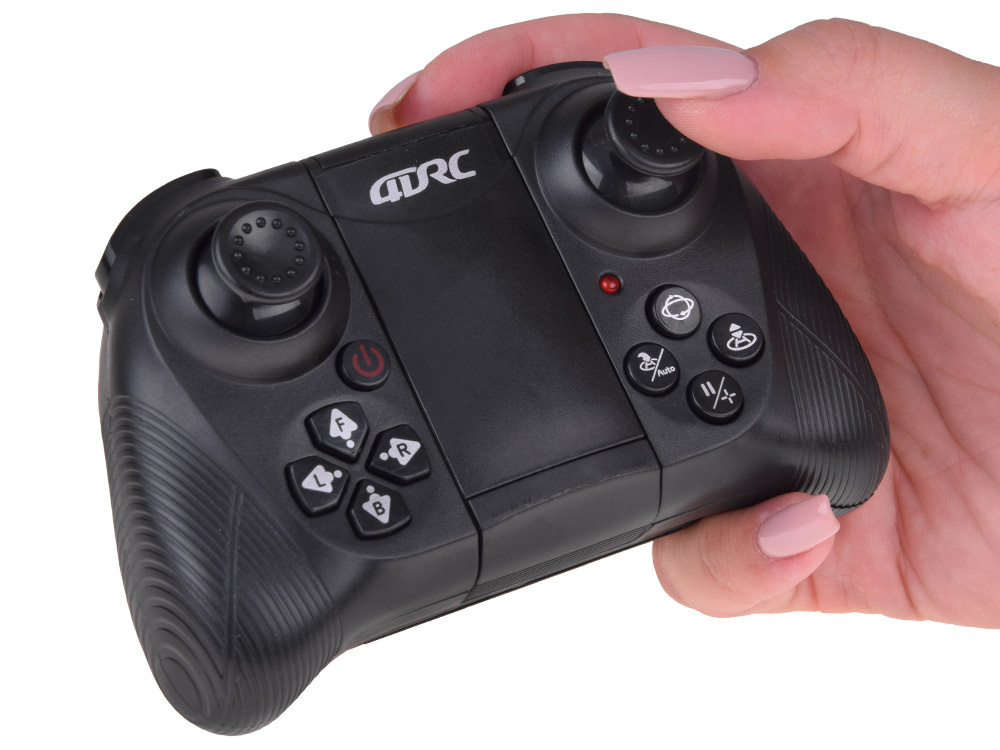
Remotely Controlled DRONE Quadcopter with Camera 2-in-1 Flies + Drives RC0725 PO Universal
Code: i617_22503-uniw


Remotely Controlled Drone Quadcopter QURC 4D-VII Wi-Fi
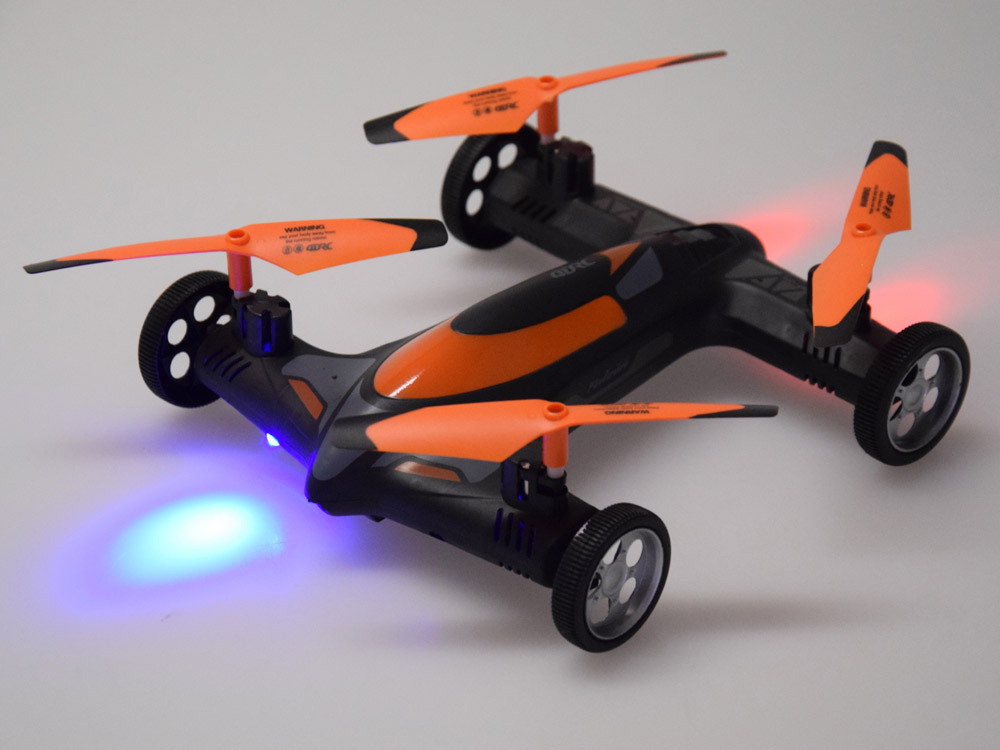
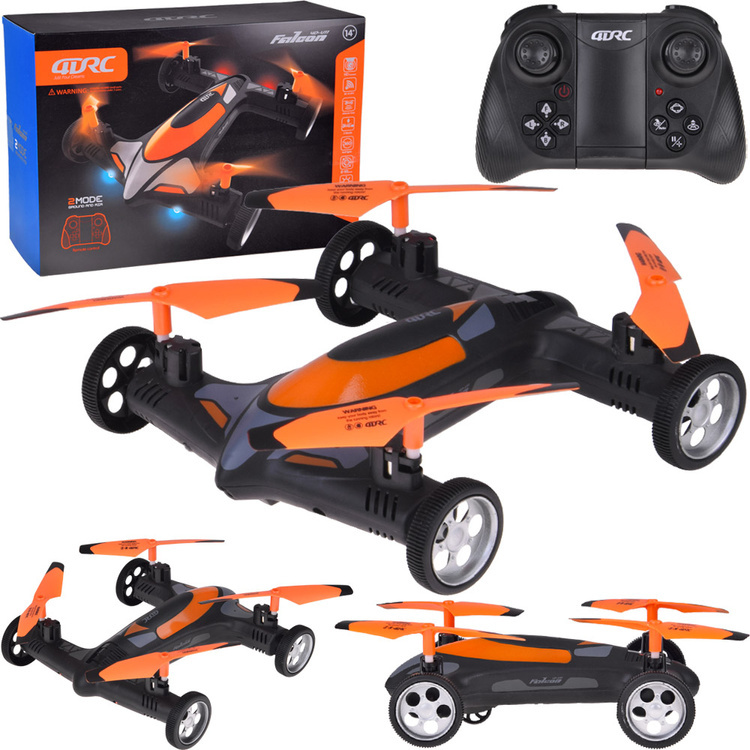
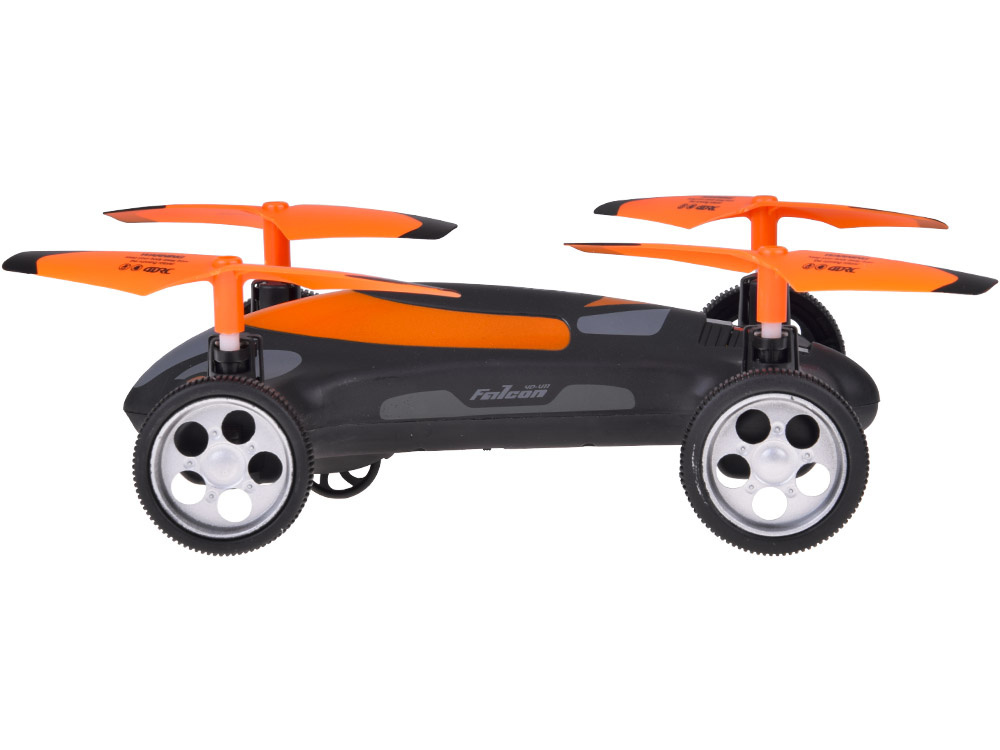
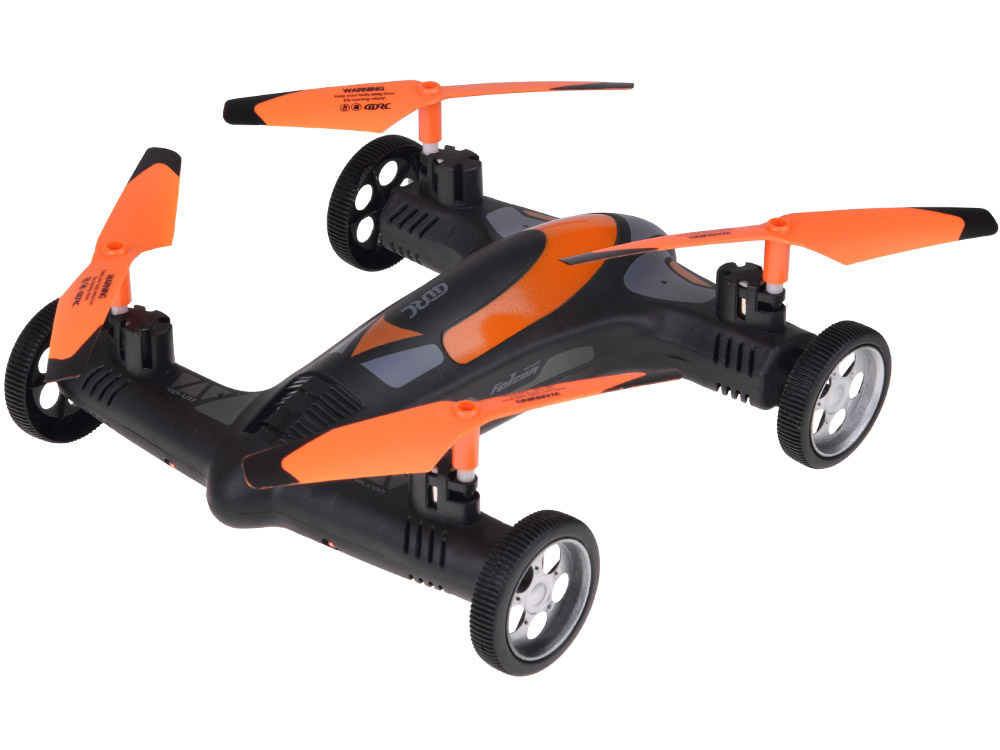
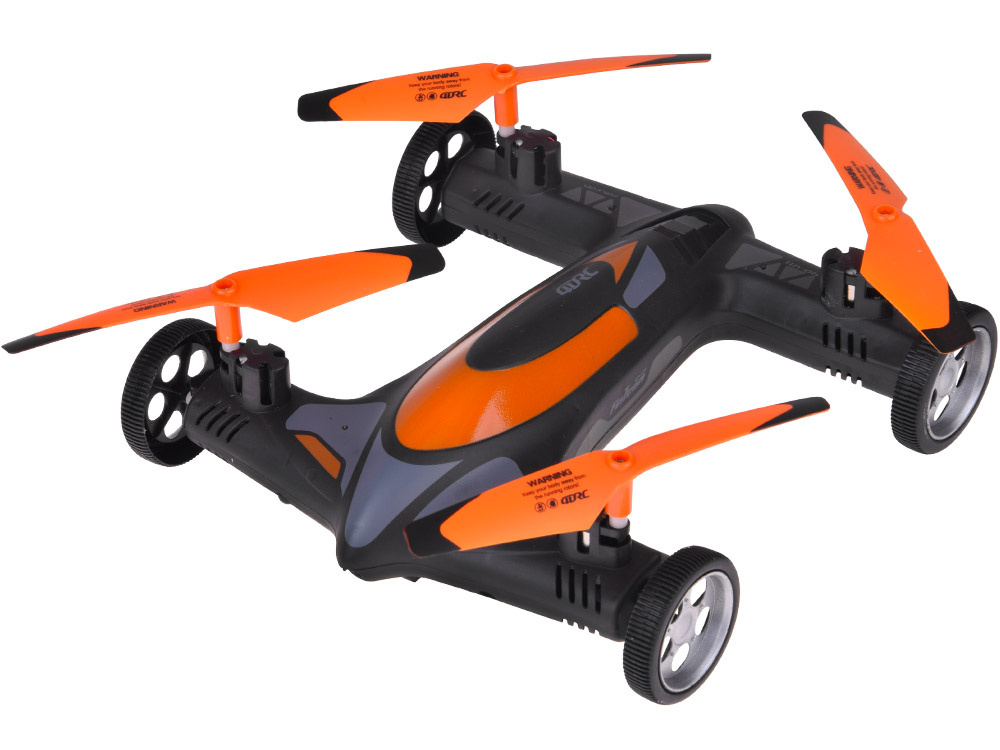
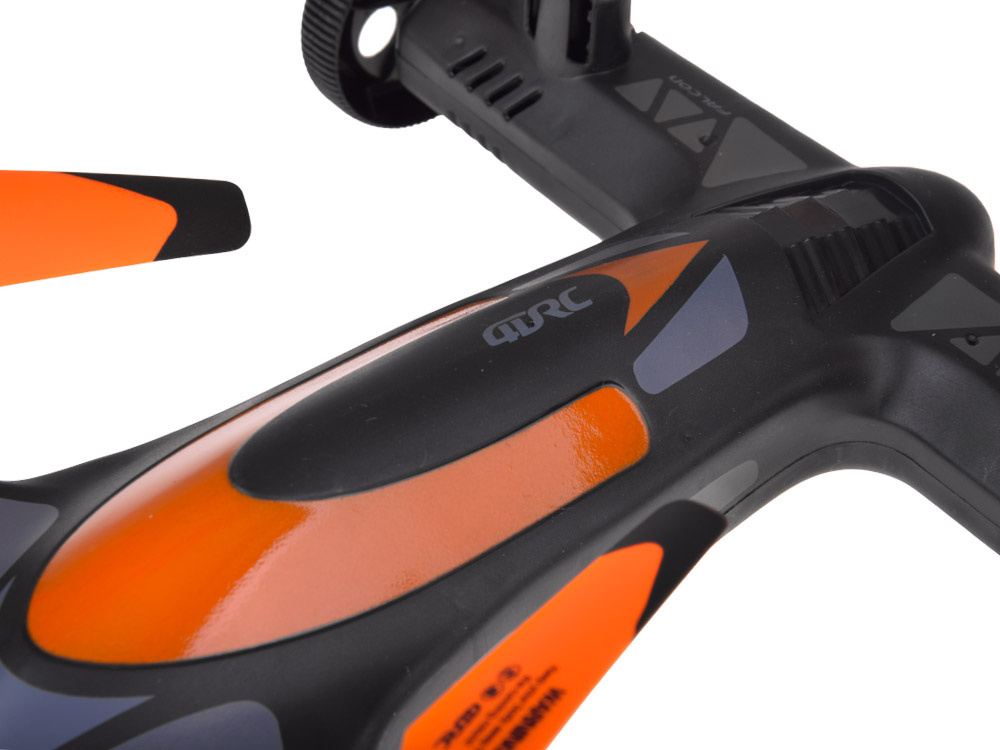
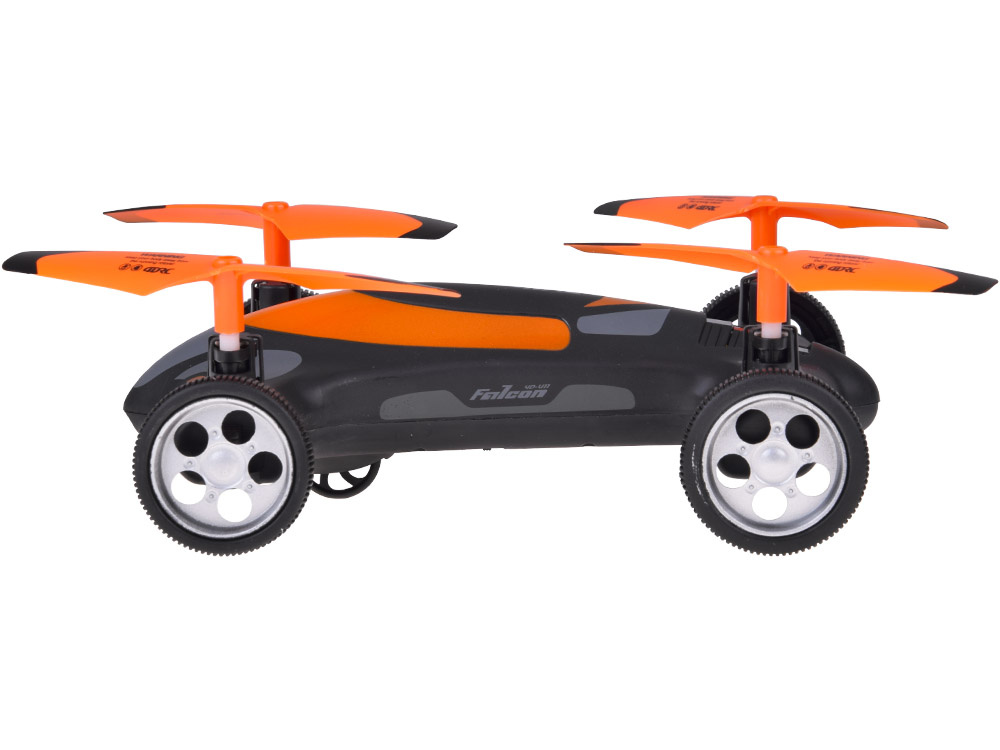
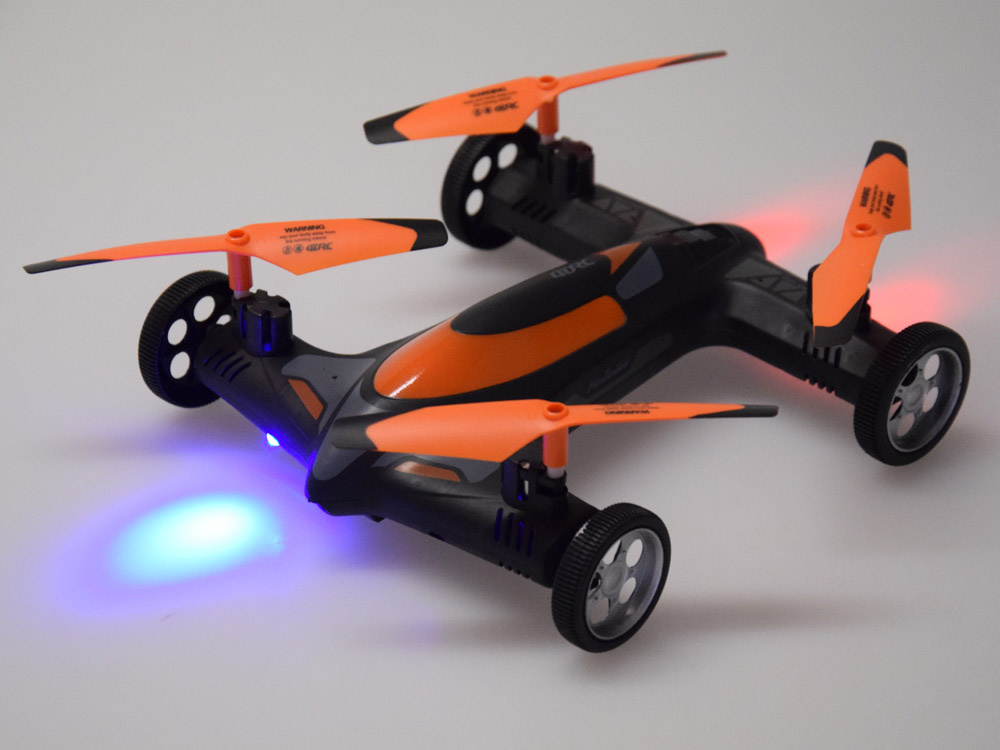
The quadcopter QURC 4D-VII is a modern recreational drone with a built-in camera and mobile app support. Thanks to intuitive control via remote control or smartphone, automatic start/landing functions, and headless mode, it is suitable for beginners and intermediate users. The construction is lightweight and shock-resistant, and the interchangeable accessories allow for easy maintenance and repair.
Suitable for persons over 14 years old.

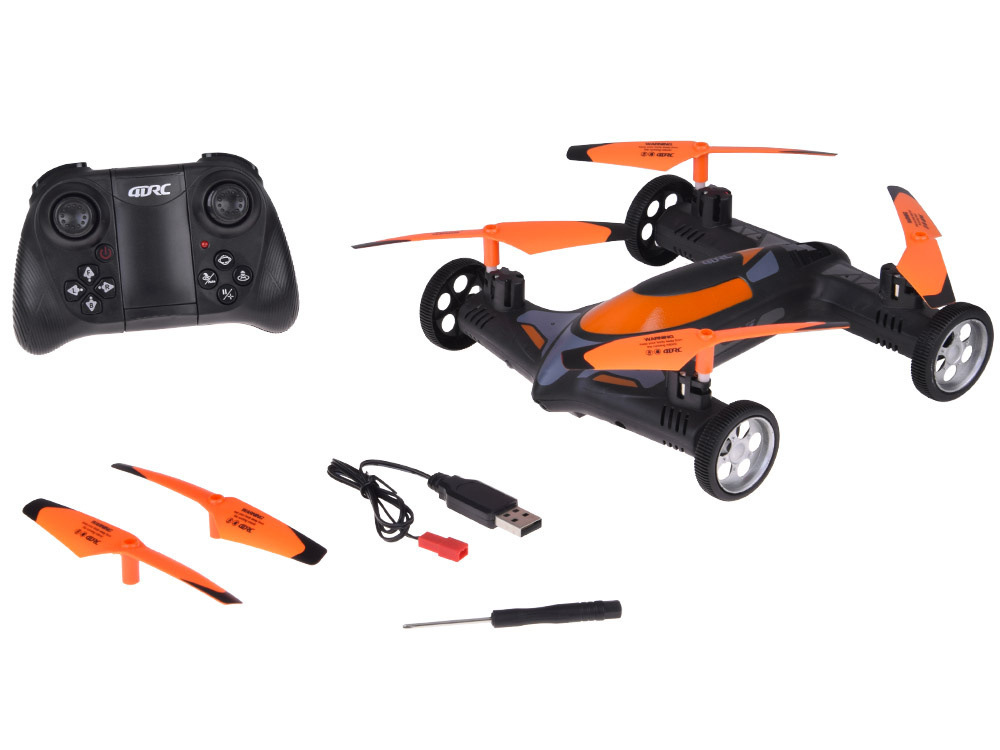
Set contents:
- drone
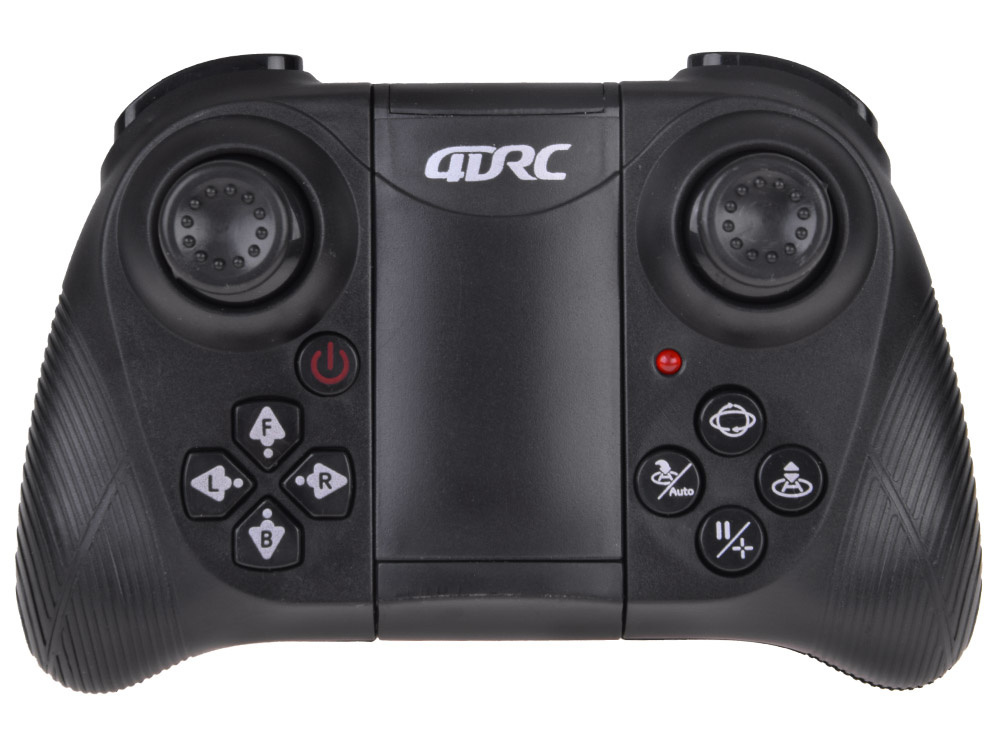
- pilot
- battery
- USB cable
- screwdriver
- 2 x spare propeller
Technical Specifications
- Model: QURC 4D-VII
- Drone power supply: lithium battery (charging via
- USB 5 V 2 A)
- Controller power supply: 3 × AAA batteries (not included)
- Version: Wi-Fi (supports 4D FLY app)
- Functions:
- one-button takeoff/landing
- headless mode
- one-button return
- 360° flip (in every
- orbital flight (drawing route in the application)
- gesture recognition (photography, recording)
- speed regulation (3 levels)
- horizontal calibration

User manual
1. Assembly
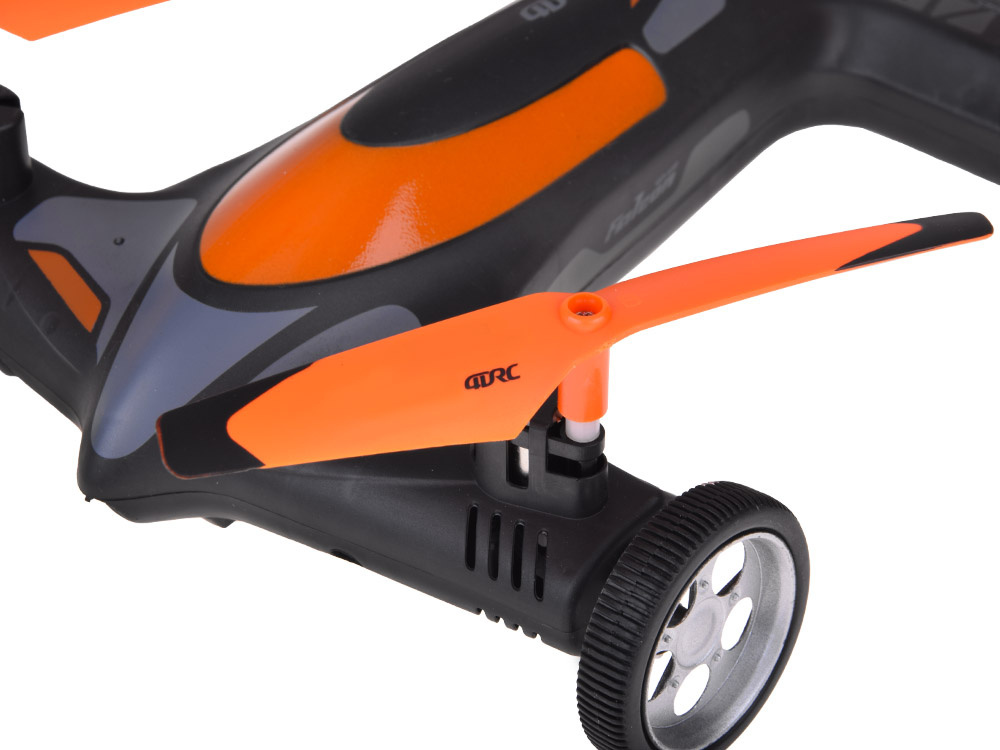
Blades marked with letters A and B need to be mounted according to the diagram. Incorrect mounting will prevent starting.
2. Charging the battery
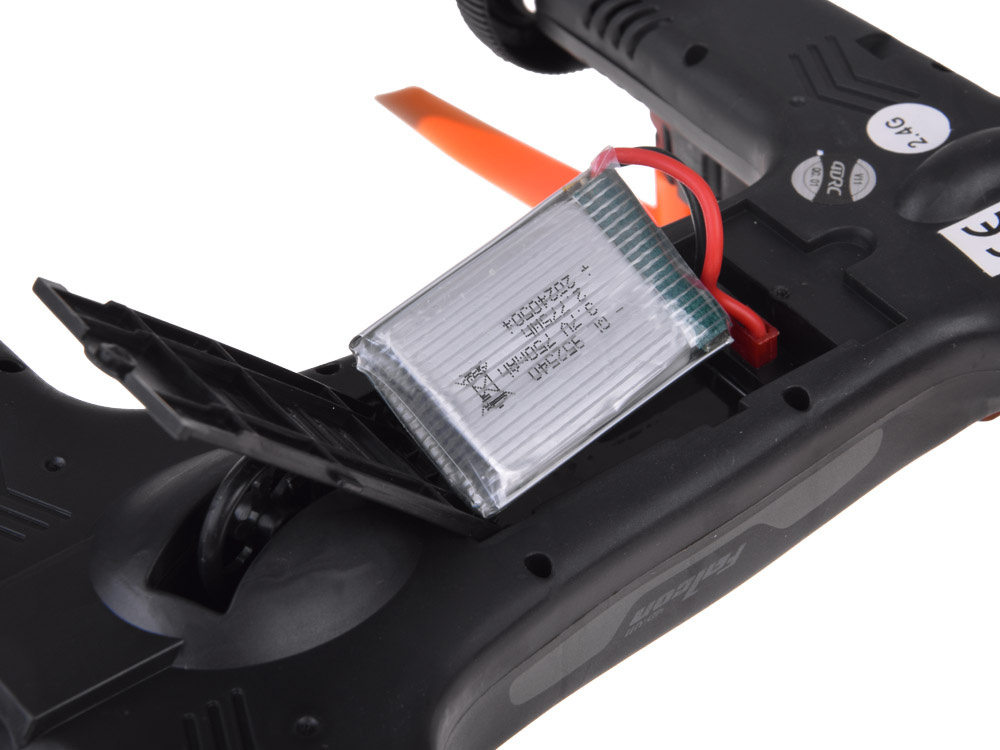
Open the battery cover and disconnect the battery from the drone.
Connect the USB cable to a power source (computer, power bank, 5 V 2 A adapter).
Connect the other end of the cable to the battery.
The red LED lights up after charging is complete.
Note: Before using the toy for the first time, the battery must be charged for at least 2 hours. Do not leave the battery unattended while charging. Do not expose to high temperatures and water.
3. Battery installation in the remote control
Remove the battery cover.
Insert 3 × AAA batteries according to the marked polarity.
Close the lid.
4. Preparation for Flight (Pilot)
Turn on the drone and place it on a flat surface.
Turn on the pilot and adjust the frequency (move the throttle lever up and then down).
Perform horizontal calibration (hold the calibration button until the LEDs stop flashing).
Launch the drone:
start/stop with the left joystick,
or use the one-key start/landing button.
5. Drone Control
Left joystick: up/down (altitude), left/right (body rotation).
Right joystick: up/down (fly forward/backward), left/right (fly sideways).
6. Special functions
360° Rotation – briefly press the rotation button and select the direction with the joystick.
Headless mode – once activated, the control is independent of the drone's direction.
One-button return – the drone automatically returns towards the pilot.
Speed switching – 3 modes (low, medium, high).
7. Application Control (4D FLY)
Download the 4D FLY app (Google Play / App Store).
Turn on the drone, go to the Wi-Fi settings on your phone, and select the network "4DRC********".
Launch the application and enter the control interface.
Application Features:
- one-click takeoff/landing,
- orbital flight (route drawing),
- VR mode,
- voice control,
- gesture recognition (gesture "OK" – photo, gesture "V" – recording).
Environmental Requirements:
Fly only in open spaces, without crowds, trees, wires, and buildings.
Avoid rain, snow, and strong wind.
Do not fly near airports (prohibited within a 10 km radius of the runway).
Problems and Solutions:
Drone does not respond, LEDs are flashing - low battery = charge the battery
Propellers are spinning, but the drone does not fly - propeller deformation = replace the propellers
Drone shakes and is not stable - damaged motor / propellers = replace the parts
After impact, the drone flies uncontrollably - gyroscope error = perform calibration on a flat surface
We invite you to the Jokomisiada store, where you will find a wide selection of remote-controlled vehicles such as drones, airplanes, helicopters, tanks, racing and construction cars, and many, many more!