


 Aga24.eu

/cart.svg)
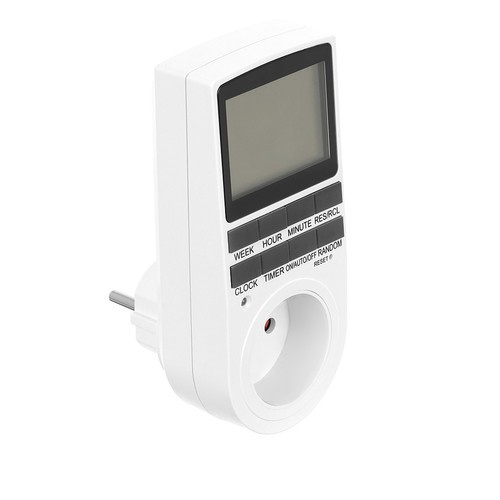

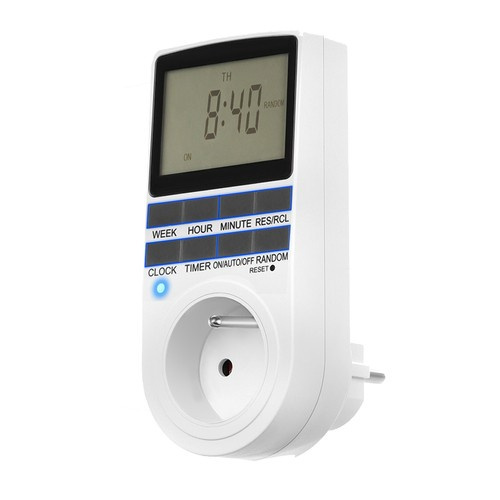
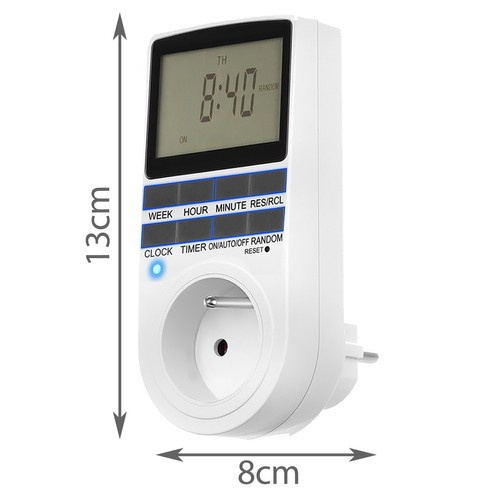
Digital weekly switching clock ISO 11747
Code: i614_14802-uniw


tIME PROGRAMMER
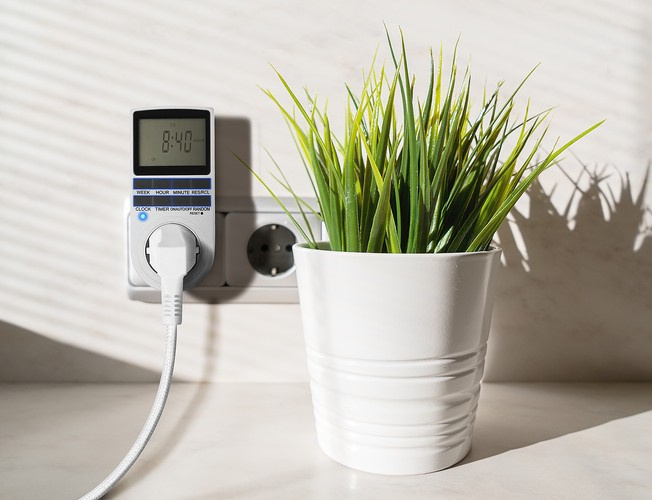
- tIME PROGRAMMER - This extremely practical device gives you one of a kind full control over the electrical devices in your home. With it, you can automate many daily activities fr that you often forget, such as when lighting terrariums and aquariums, switching off lamps, switching off heating, air conditioning or boiler. You can connect a phone charger or Christmas lights to it. The programmer turns off or disables the device connected to it at a predetermined time. Our programmer has the ability to manage on and off sequences for one week.
- sAVE ENERGY - with a timer, you can reduce your household energy consumption. You don't have to worry about leaving the device on before you leave or go to work, which will affect your electricity bill. It will be great both at home, in the office, and in the shop, for example during the holiday season, when we want the product display to be illuminated even after closing.
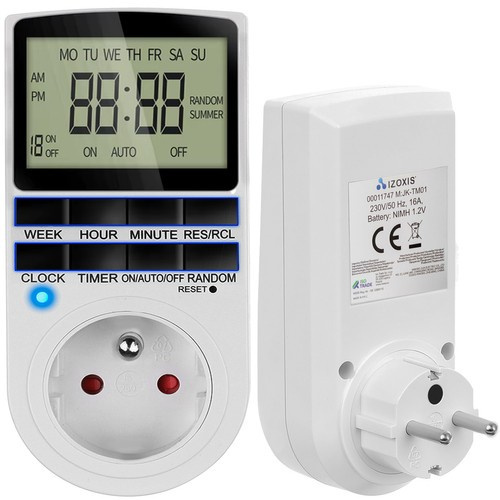
- eASY TO USE - device is very easy to use. Ithas 8 buttons + RESET, thanks to which you can quickly program the operation of the device in your home, office for a specific day, hour or even minute.
- tHIEF PROTECTION - programmer will work well during your long absence. Don't want a would-be thief to know you're not home? Program the device to switch on and off, for example, a lamp during the hours you are usually at home. The device has a battery, thanks to which even a power outage will not interrupt its operation.
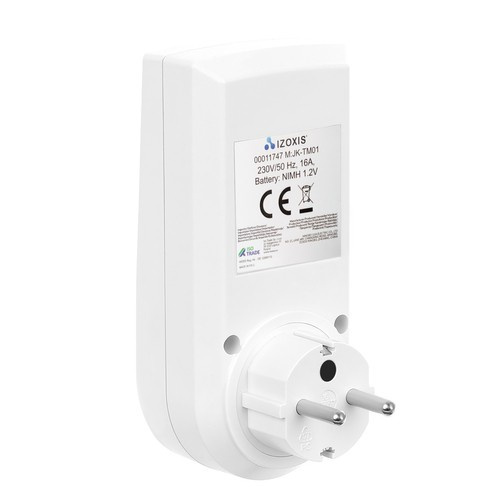
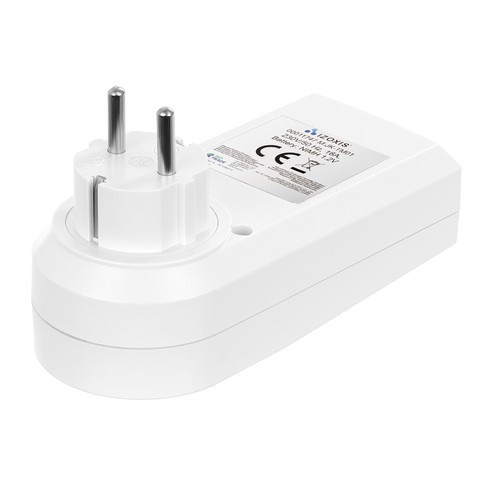
- sPECIFICATIONS - White color; material: polycarbonate / copper; voltage: 230V / 50 Hz; rated current: 16A; working temperature: from 0 to 40 °C; battery: NIMH 1.2V; dimensions (length / width / height): 6/8/13 cm; weight: 0.35 kg; weight in package: 0.42 kg.
SPECIFICATIONS
- white color
- material: polycarbonate / copper;
- voltage: 230V / 50 Hz;
- rated current: 16A;
- working temperature: from 0 to 40 °C;
- battery: NIMH 1.2V;
- dimensions (length / width / height): 6/8/13 cm;
- weight: 0.35 kg;
- package weight: 0.42 kg.
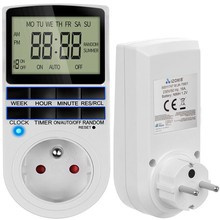
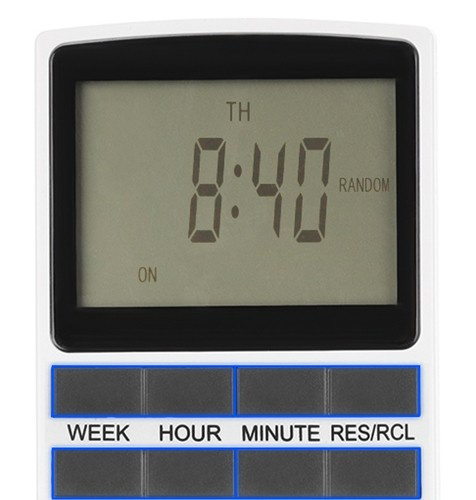
a timer is a device that will come in handy in any home, office or shop. Thanks to it, we can control the days, hours and minutes of operation of the device connected to it. It has 8 described buttons + RESET and a clear display where we can see the current time, day and program.
we can connect to it all devices that are powered by 230V, e.g. heating, air conditioning, boiler or Christmas lights. You don't have to worry about forgetting to switch off a device in a hurry, which will result in a higher electricity bill. The programmer allows you to automate everything that is powered by electricity. It will also protect you from a potential thief by turning on and off, for example, a lamp or television at a time when you are usually at home.
lARGE AND TRANSPARENT LCD DISPLAY
Make it easy to read the current program, time and day.
12 AND 24 HOUR MODE
This mode allows you to program activity at the touch of a button at 12 or 24 hour intervals.
sHOWS THE DAY AND THE HOUR
The device can also be used as a watch. The displays provide information about the current day, hour and minute.
wINTER AND SUMMER TIME
The timer has a summer and winter time mode, so you can fast forward or rewind time easily and quickly.
hAS A BATTERY
The device has a built-in 1.2V NIMH battery that keeps the connected device running even during a power failure.
pROTECTS FROM THE THIEF
The programmer will work well even during your long absence. Don't want a potential thief to know you're not home? Program the device to turn the lamp or TV on and off during the hours you're usually home.
cONTROL PANEL
RST / RCL - recall stored programs or overwrite programs
wEEK - setting the day of the week in combination with the TIMER or CLOCK button
hOUR - clock setting in combination with TIMER or CLOCK button
mIN - minutes setting in combination with TIMER or CLOCK button
hOURS - setting the current time in combination with WEEK, HOUR, MIN; activation of the daylight saving time function (originally standard time) in combination with ON / AUTO / OF; selection of 12 or 24 hour mode in combination with TIMER.
rANDOM - enable or disable random mode
tIMER - program settings in combination with WEEK, HOUR, MIN buttons, selection of 12 or 24 hour mode in combination with HOURS.
oN / AUTO / OFF - timer operating mode selection
rESET - erase all data from the memory (to perform a reset, insert a toothpick into the hole and hold it for 10 seconds). You must reset the device before using it for the first time.